Lead search & journey
Find any lead by name, phone, or ID, then read the complete timeline of notes, site visits, WhatsApp and status changes before you dial.
 Leads Journey
Leads Journey
Sales intelligence built on your CRM. Live dashboards, complete lead timelines, and reports that hold up in the boardroom.
01 Product
Leads Journey is a read-only analytics layer built over Daebuild CRM. Your team carries on working exactly where they always have, while leadership gets one consistent view of the pipeline, calculated the same way every time it is asked.
Find any lead by name, phone, or ID, then read the complete timeline of notes, site visits, WhatsApp and status changes before you dial.
Hot pipeline, follow-ups due, stale leads, converted lists. One click each, with no exporting to a spreadsheet to answer a simple question.
Leaderboards, monthly trends and per-broker profiles, so channel performance is a measurement rather than an opinion.
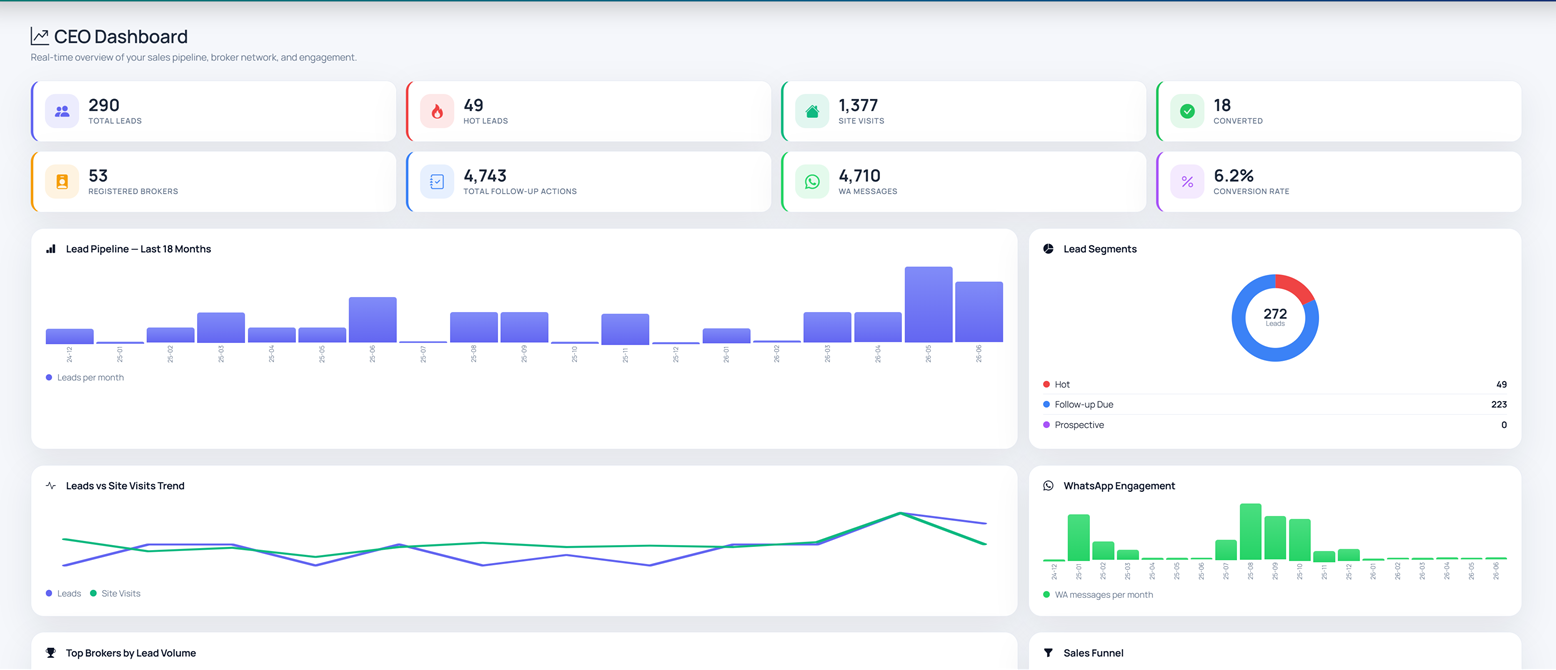
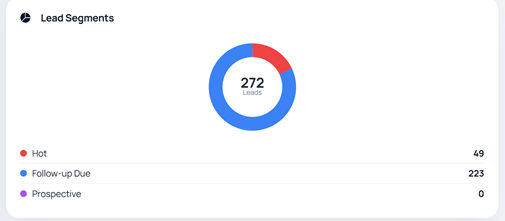
Company-wide pulse: leads, visits, conversions, project performance, and targets versus actuals on one screen.
Per-project funnels, booking gauges and monthly charts, with conversion targets tracked against live actuals.
Broker performance, conversion, pipeline health, stale leads, site-visit and weekly executive packs, formatted and ready to send.
02 Platform
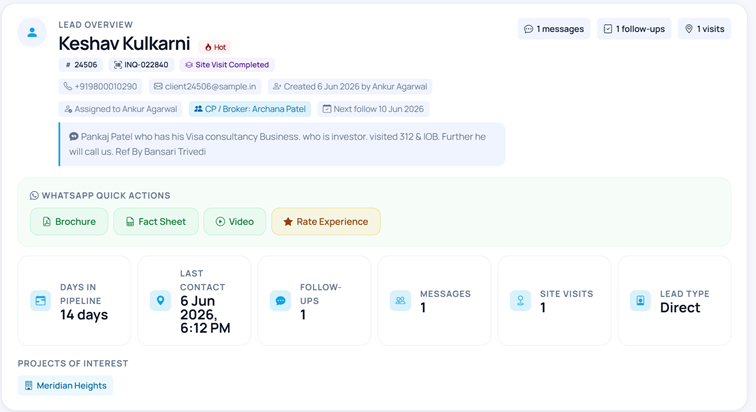
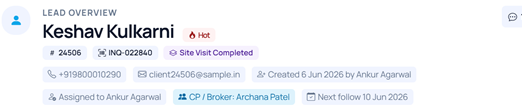
Every enquiry becomes a readable timeline: who owned it, what was said, which site visits happened, and exactly where it stalled.
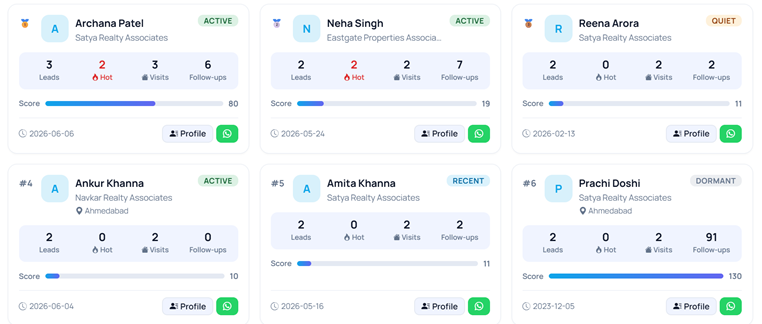
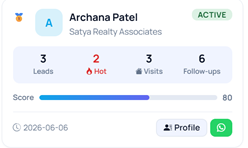
See which brokers bring volume, which bring conversions, and which need attention, with the same rules applied to everyone, every month.
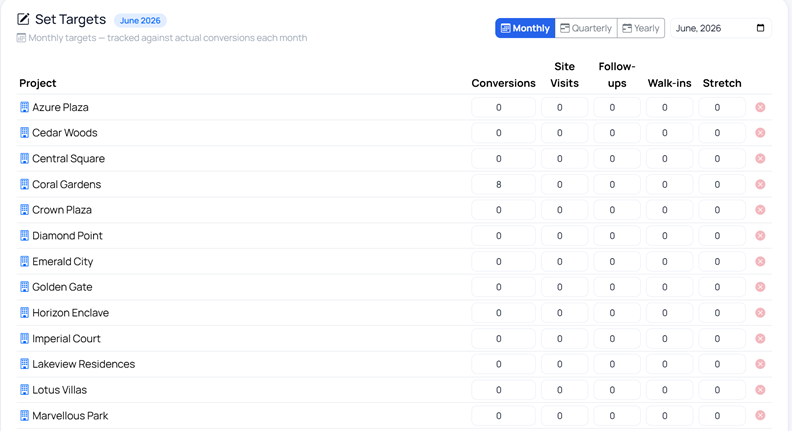
Set targets per project and period across every metric that matters: conversions, site visits, follow-ups and walk-ins. Actuals are computed from the CRM's own converted status, never a parallel definition invented for reporting.
03 How it works
Leads, notes and site visits are captured in Daebuild exactly as they are today.
Leads Journey mirrors the CRM every hour, with sync freshness shown in-app.
Dashboards, filters, journeys and the AI chase list replace manual digging.
Actions go back to the floor; leadership gets PDFs that need no rework.
04 Gallery
Screens captured from the live Leads Journey experience, running on sample data.
Four built-in themes, two light and two dark, remembered per user.
05 AI Recommendations
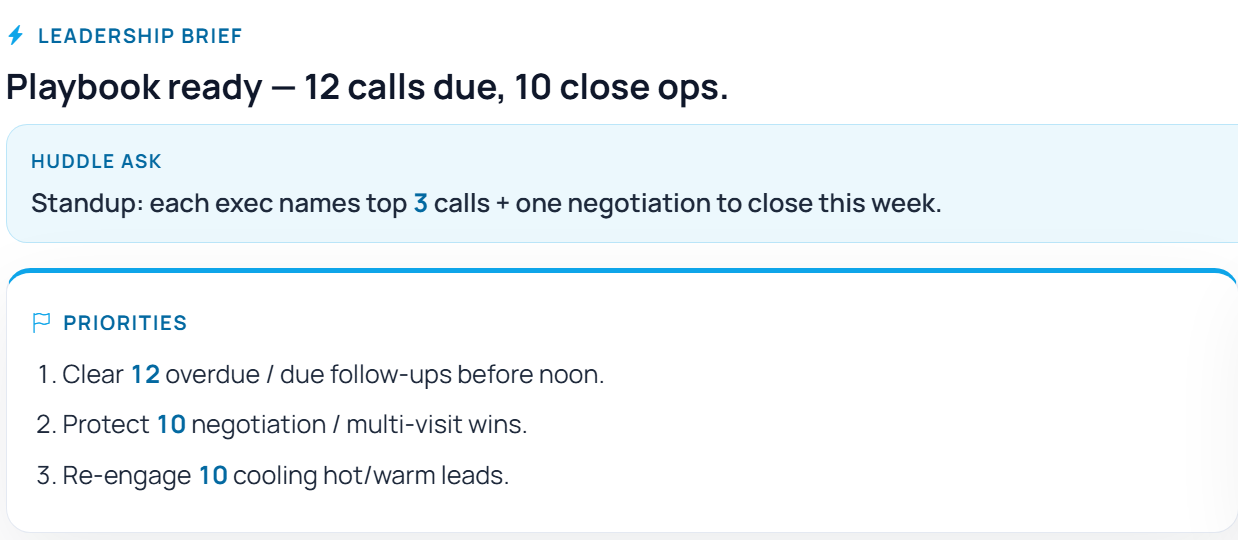
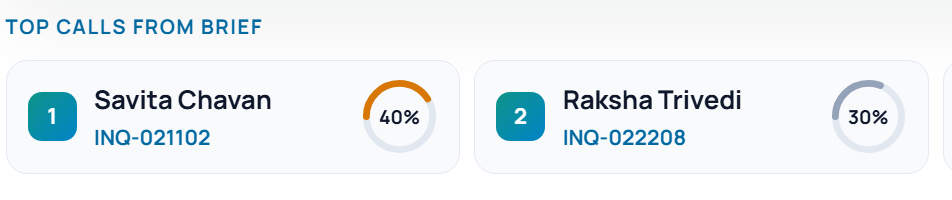
Every morning the pipeline is scored and ranked, so the day starts with a decision rather than a search. Ordering is calculated from your own CRM signals; the model only writes the explanation. Every card links straight back to the lead it came from.
06 Who it's for
Search any lead, work the follow-up queue, and read the full history before every call.
See which partners deliver volume, which deliver conversions, and where follow-up is overdue.
Company-wide performance, targets against actuals, and report packs that hold up to questions.
Manage users, permissions and two-factor sign-in without adding friction for the sales floor.
07 Interactive demo
A complete, working copy of the product, running on a sample dataset with fictional client and project names. Every screen behaves exactly as it does in production.
Sample data only. The demo runs independently of any production CRM.
08 Trust
Leads Journey reads from the CRM and never writes back to it. Your CRM stays the single source of truth, with no risk of two systems disagreeing.
Permissions are granted feature by feature, administrators can enable two-factor sign-in, and every account change is recorded in an audit log.
Traffic is encrypted in transit and databases are backed up nightly to private storage. The public demo runs on its own sample dataset, entirely separate from any live system.